![Phrazle | Play Online Free [No Download]](https://phrazle.co.uk/wp-content/uploads/2025/11/phrazle-title.webp "Phrazle | Play Online Free [No Download]")
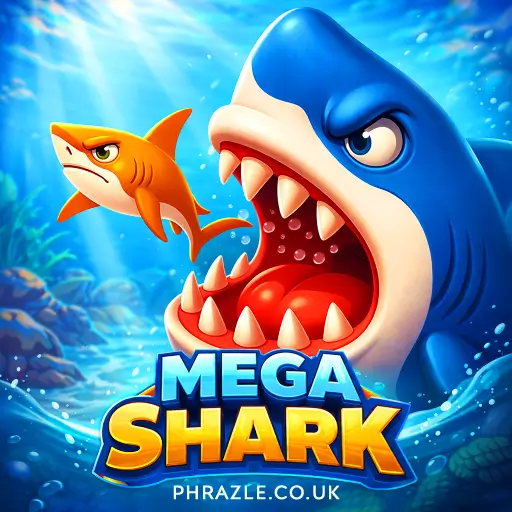




















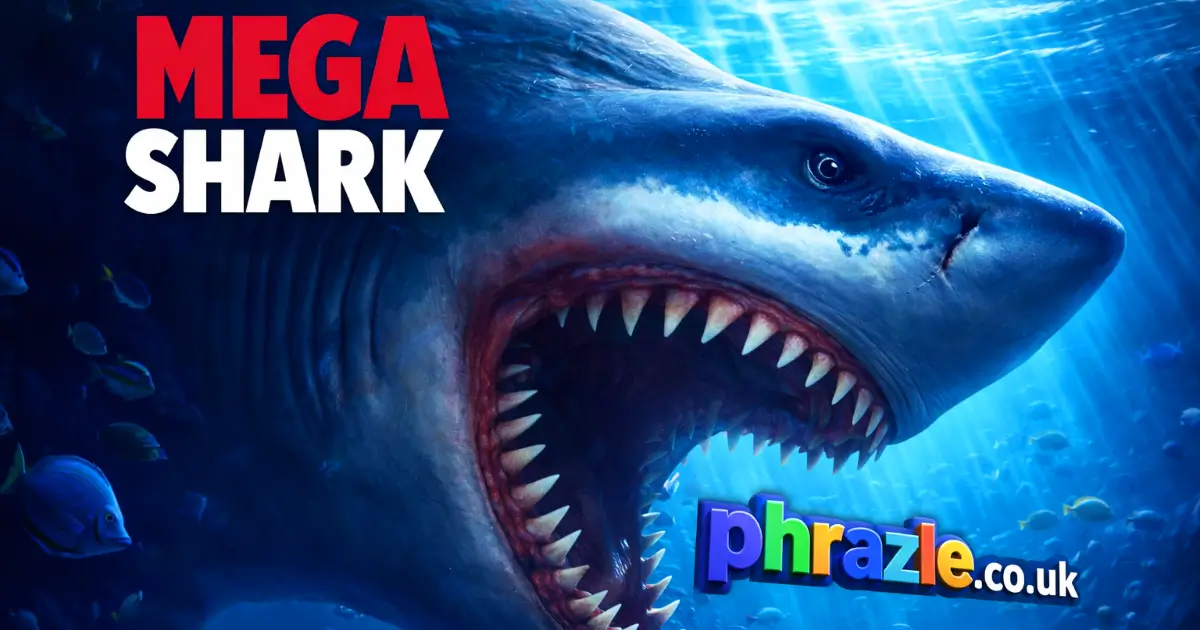
Experience instant fun with Mega Shark, the no-download browser game. Play online for free and enjoy instant play on Chrome, Safari, and mobile devices. This title puts you in the fin-tastic role of the ocean's ultimate predator, where excitement awaits at every turn. Get ready to hunt, merge, and conquer the deep blue sea!
Technical Specifications for Mega Shark
| Developer | Inlogic Software |
| Publishing Date | Not specified |
| Main Genre | Action |
| Sub-Genre | Arcade |
| Platform | Web Browser (HTML5) |
| Input Method | Mouse, Touch Screen |
| Multiplayer Mode | Single-player |
| Content Rating | Everyone / ESRB E |
| Tech Stack | HTML5, JavaScript, Canvas |
| Primary Language | English |
| Installation Required | No (Instant Play) |
Is Mega Shark Worth Playing? (Review)
Mega Shark is an exciting underwater survival game developed by Inlogic Software. You play as a shark in the ocean with just 60 seconds to eat as many fish as possible while avoiding dangers like explosive mines and larger predators.
The gameplay is fast-paced and addictive. You'll race against the clock, collecting coins to upgrade your shark's power, speed, and protection. This RPG-style upgrade system keeps players engaged as they evolve and dominate the underwater world.
Key features include:
- 60-second survival challenges
- Vibrant ocean environment
- Universal compatibility across devices
- Trophies and achievements to unlock
If you enjoy action-packed games that test your skills and strategy, this one is definitely worth playing!
Winning Strategies for Mega Shark
To dominate in this fast-paced underwater adventure, follow these winning strategies:
- Avoid Explosive Mines: Touching a mine ends your game immediately. Always keep an eye on your surroundings to dodge these dangers.
- Start Small: Focus on eating smaller fish at the beginning. This builds your size and score safely without risking encounters with larger predators.
- Upgrade Wisely: Use your coins to upgrade speed first. Moving faster helps you cover more ground and find food quickly within the 60-second time limit.
- Chain Your Attacks: Swim through groups of fish to maximize your eating potential. Hitting multiple targets in one dash can significantly boost your score.
- Keep an Eye on the Timer: Always be aware of how much time you have left. Prioritize areas with high fish density to make the most of every second.
- Utilize Power-ups: If available, grab any power-ups that enhance your abilities. These can give you an edge against tougher opponents.
- Practice Makes Perfect: The more you play, the better you'll get at navigating and timing your attacks. Don't get discouraged by early failures!
By following these strategies, you'll become a formidable predator in the ocean and rack up impressive scores in no time!
Mega Shark for Chromebook & PC
You can play this game directly in your web browser on desktop, laptop, tablet, or mobile.
How to Start Playing Mega Shark
Ready to enter the ocean as a fierce predator? Follow these simple steps to start your adventure:
- Visit the Game Site: Go to a website that offers the game for free, like hyhygames.com. No download is needed!
- Choose Your Shark: Select your shark character. Each one has unique abilities!
- Understand the Goal: Your mission is to eat as many fish as possible within 60 seconds. Remember, it’s eat or be eaten!
- Avoid Dangers: Watch out for mines and bigger fish. They can end your game quickly!
- Start Playing: Click or swipe to move and attack. The faster you eat, the bigger you grow!
- Upgrade Your Skills: After each round, use coins earned to upgrade your shark’s speed, power, and protection.
- Keep Practicing: The more you play, the better you’ll get at dodging dangers and hunting fish!
How to Control in Mega Shark
Mastering the controls is essential for survival in this fast-paced adventure. Here’s how to navigate and attack effectively:
- PC Controls:
- Move: Click and hold the left mouse button, then drag to steer your shark.
- Attack: Click the left mouse button (or release drag in some modes) to bite.
- Mobile Controls:
- Move: Swipe on the screen to control your shark's direction.
- Attack: Tap the virtual attack button displayed on the screen.
- Advanced Controls:
- Speed Boost: Upgrade your shark's speed using collected coins for faster movement.
- Chain Attacks: Swim through dense groups of fish to maximize your score by eating multiple targets in one dash.
How to Hack Your Way to Victory in Mega Shark
Dominate the ocean and become the ultimate predator with these essential tips:
- Avoid the Mines: Touching a mine ends your game instantly. Stay clear of them!
- Start Small: Focus on eating smaller fish first. This helps you grow without risking encounters with larger predators.
- Upgrade Speed First: Speed is crucial. Upgrade it to cover more ground and find food quickly within the 60-second limit.
- Chain Your Attacks: Swim through groups of fish. Eating multiple targets at once boosts your score significantly.
- Keep an Eye on the Timer: Don’t waste time exploring empty areas. Move towards high-density fish zones to maximize your score.
- Strategize Your Upgrades: Balance your upgrades between Power and Protection after Speed. This will help you survive longer against bigger threats.
- Use the Environment: Navigate through obstacles to escape from larger predators while hunting for food.
Why Mega Shark is so Addictive
Mega Shark offers thrilling gameplay that keeps players coming back for more. Here are the key features that make it so engaging:
- 60-Second Survival Challenge: Each round lasts only a minute, creating intense and fast-paced action.
- Dynamic Feeding Frenzies: Players must quickly eat fish to grow and earn coins, making every second count.
- Varied Ocean Hazards: Avoid explosive mines and larger predators that can end your game instantly.
- RPG-Style Upgrades: Use collected coins to enhance your shark's speed, power, and protection for better survival.
- Instant Play: No downloads or installations required; jump right into the action from any browser.
- Universal Compatibility: Play on PC, Mac, iOS, or Android devices without any issues.
- Trophies and Achievements: Unlock rewards by completing objectives, adding a sense of accomplishment.
Games Like Mega Shark
If you enjoyed Mega Shark, you might also like these similar games:
FAQs about Mega Shark
Does Mega Shark work on mobile/phone?
Yes, it works perfectly on mobile phones. You can play it on both Android and iOS devices.
Do I need to download Mega Shark?
No, you do not need to download anything. The game runs directly in your browser.
Can I play Mega Shark on Chromebook?
Yes, you can play it on a Chromebook. It is compatible with all major web browsers.
What devices can I use to play Mega Shark?
You can use any device with a web browser. This includes PCs, Macs, tablets, and smartphones.
Is there a time limit in Mega Shark?
Yes, each round has a 60-second time limit. You must eat as many fish as possible before time runs out.
Are there upgrades in Mega Shark?
Yes, you can upgrade your shark's abilities. Use coins earned during gameplay to improve speed and power.
Can I earn trophies in Mega Shark?
Yes, you can earn trophies by completing objectives. This adds extra fun and challenge to the game.
Is Mega Shark suitable for kids?
Yes, it is suitable for kids. The game is fun and safe for all ages to enjoy.
Can I play Mega Shark offline?
No, you cannot play it offline. An internet connection is required to access the game.
How do I control my shark in Mega Shark?
You control your shark by clicking and dragging with the mouse or swiping on the screen for mobile devices.
Final Verdict: Should You Play Mega Shark?
Mega Shark is an exhilarating game perfect for kids and anyone who loves action. It combines fast-paced gameplay with RPG elements, making it fun and engaging. The thrill of racing against the clock to eat fish while avoiding dangers keeps players on their toes.
The game's vibrant graphics and simple controls make it accessible for everyone. Plus, it's completely free and requires no downloads, so you can jump right in! Invite your friends to join the underwater fun and see who can become the ultimate shark.
Don't miss out on this addictive experience. Play Mega Shark on our site.