

 Loading...



























Experience instant fun with Word Search 3, a no-download browser game that lets you play online anytime, anywhere! This free game offers thousands of puzzles to challenge your vocabulary and pattern recognition skills. Enjoy instant play on Chrome, Safari, and mobile devices, making it perfect for kids and adults alike. Dive into this exciting adventure and sharpen your mind with every word you find!
Technical Specifications for Word Search 3
| Developer | Razzle Puzzles |
| Publishing Date | 2023-01-15 |
| Main Genre | Puzzle |
| Sub-Genre | Word Search |
| Platform | Web Browser (HTML5) |
| Input Method | Touch Screen, Mouse |
| Multiplayer Mode | Single-player |
| Content Rating | Everyone / ESRB E |
| Tech Stack | HTML5, JavaScript, CSS |
| Primary Language | English |
| Installation Required | No (Instant Play) |
Why Everyone is Playing Word Search 3
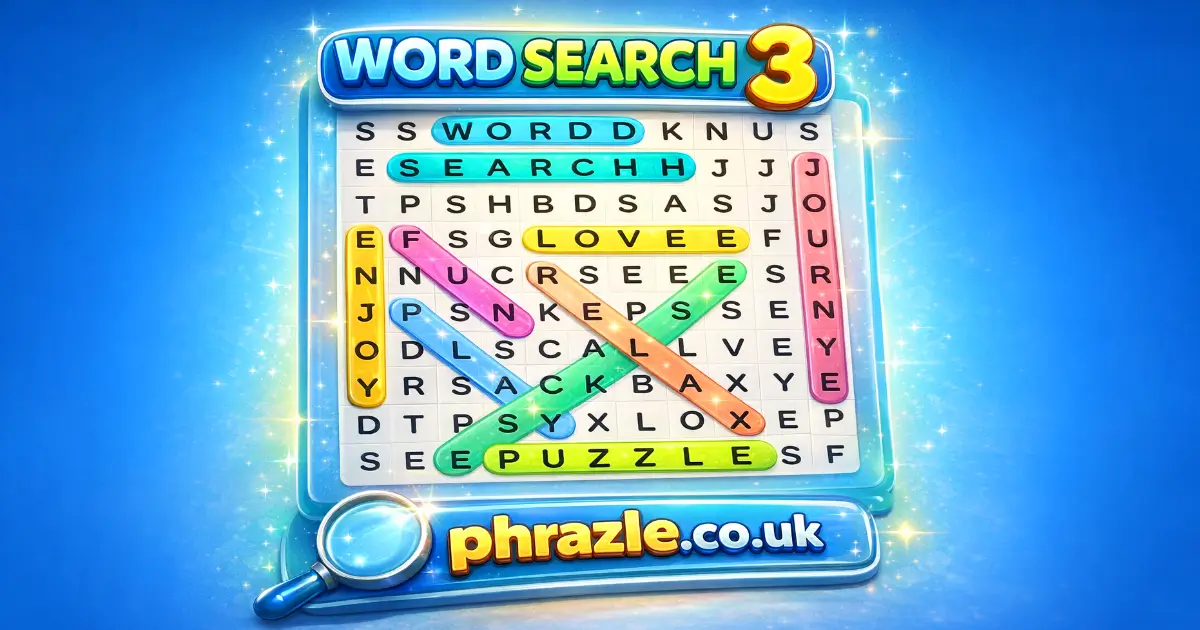
Word Search 3 is a fun and engaging game developed by Razzle Puzzles, released in 2023. Players love it for its mix of entertainment and mental exercise. Each puzzle features hidden words in a grid, which can be found horizontally, vertically, diagonally, or even backwards.
- Choose from three difficulty levels: Easy, Medium, or Hard.
- Enjoy fresh daily puzzles and random challenges that keep the game exciting.
- It's completely free to play and works on any device—desktop, mobile, or tablet.
- Players can track their best times and revisit unfinished games anytime.
- The game helps build vocabulary by using standard English words.
Whether you want a quick mental workout or a relaxing break, this game is perfect for sharpening your mind while having fun!
How to Play Word Search 3 (Walkthrough)
In this fun game, your goal is to find hidden words in a grid. Here’s how to play:
- Select a puzzle from the main menu. You can choose from different themes like animals, celebrities, or TV shows.
- Once the puzzle loads, look at the list of words you need to find. They can be arranged horizontally, vertically, diagonally, or even backwards.
- To select a word, swipe your finger across the letters in the grid. Start with the first letter of the word and drag to the last letter.
- If you find a word, it will be crossed off your list. Keep searching until you find all the words!
- For an extra challenge, try the hard or expert modes where word lists are more difficult to spot.
- You can also tap on any word in the list to see its definition, helping you learn new vocabulary.
- Your progress is saved automatically, so you can return to unfinished puzzles anytime.
Enjoy playing Word Search 3 for free, and have fun sharpening your mind while you search for words!
Play Word Search 3 Instantly in Browser
You can play this game directly in your web browser on desktop, laptop, tablet, or mobile.
Getting High Scores in Word Search 3
Want to score big? Follow these tips to find words faster and boost your game!
- Start with Short Words: Look for shorter words first. They are easier to spot and will help you build momentum.
- Scan the Grid: Quickly scan the grid for unique letters. This can help you locate words faster.
- Use the Word List: Focus on one word at a time from the list. Cross it off once you find it.
- Look in All Directions: Remember, words can go horizontally, vertically, diagonally, or even backwards!
- Practice Regularly: The more you play, the better you'll get. Try different difficulty levels to challenge yourself.
- Stay Calm: Don’t rush! Staying relaxed helps you think clearly and spot words more easily.
Mastering the Keyboard in Word Search 3
To excel in this engaging puzzle game, familiarize yourself with the following controls:
- Selecting Words: Swipe and drag your finger or mouse over the letters to highlight words in the grid.
- Finding Words: Look for words hidden horizontally, vertically, diagonally, or backwards.
- Difficulty Levels: Choose from Easy, Medium, or Hard to adjust the challenge to your preference.
- Dictionary Access: Tap on any word in the list to view its definition.
- Saving Progress: The game automatically saves unfinished puzzles for later completion.
- Statistics Tracking: Monitor your best and average game times through the stats tracker.
This game is available for free and can be played online or offline on various devices. Enjoy sharpening your mind while having fun!
Pro Strategies for Word Search 3
Mastering this game requires smart strategies. Here are some tips to help you find words faster and enjoy the game more:
- Start with the Longest Words: Look for the longest words first. They take up more space and are easier to spot.
- Scan in All Directions: Remember, words can be horizontal, vertical, diagonal, or even backwards. Keep your eyes moving in all directions.
- Use the Word List: Focus on the word list provided. Check off words as you find them to keep track of your progress.
- Look for Unique Letters: Identify letters that are less common in the puzzle. They often belong to longer or more complex words.
- Practice Daily: Engage with fresh daily puzzles. Regular practice helps improve your skills and speed.
- Play with Friends: Challenge friends to see who can find all the words first. It makes the game more exciting!
- Take Breaks: If you get stuck, take a break. Returning with fresh eyes can help you spot hidden words more easily.
What Makes Word Search 3 Special?
This game stands out with its engaging features that offer both fun and learning. Here’s what makes it unique:
- Daily Puzzles: Fresh challenges every day keep the game exciting.
- Three Difficulty Levels: Choose from Easy, Medium, or Hard to match your skill.
- Variety of Themes: Explore different categories like animals, celebrities, and TV shows.
- Custom Word Search Maker: Create and share your own puzzles with friends.
- Offline Play: Enjoy puzzles without the internet; perfect for school or travel.
- Interactive Dictionary: Tap words to see their meanings and expand your vocabulary.
- Game Stats Tracker: Monitor your best and average times to improve your skills.
- No Download Required: Play instantly online for free on any device.
Play Word Search 3 Online Free
Experience the browser-adapted version of this classic game without any downloads. You can enjoy it on popular browsers like Chrome, Firefox, Safari, and Edge. Each puzzle features hidden words in a grid, providing both fun and mental exercise.
- Choose from three difficulty levels: Easy, Medium, or Hard.
- Fresh daily puzzles keep the gameplay exciting.
- Track your best times and revisit unfinished games.
- Tap on words to view definitions, enhancing your vocabulary.
This free game is perfect for a quick mental workout at school or during breaks. Enjoy it anywhere, anytime!
Is Word Search 3 Free to Play?
Yes, you can enjoy this game completely free online. There are no fees or in-app purchases required to access any of the puzzles. All games on the site are free to play, making it accessible for everyone.
- Engage your mind with a variety of puzzles that offer both entertainment and mental exercise.
- Choose from different difficulty levels to tailor your experience.
- Daily challenges keep the gameplay fresh and exciting.
- Perfect for a quick mental workout or a relaxing break.
Safe & Unblocked: Word Search 3
Play Word Search 3 Unblocked on phrazle.co.uk. Whether you're at school, at work, or on a break—you can play without any restrictions. This game is built with HTML5, ensuring compatibility with school Chromebooks and other devices.
Benefits of playing unblocked include:
- Accessible anytime, anywhere—perfect for quick mental workouts.
- No download required, allowing for instant play.
- Daily puzzles and challenges keep the experience fresh and engaging.
- Three difficulty levels cater to all skill sets, from beginners to experts.
- Educational value enhances vocabulary and cognitive skills.
Word Search 3 on GitHub
No need to search on GitHub, our version works on all devices at school or work. Enjoy the game for free without any downloads. It's designed for easy access, making it perfect for quick play during breaks. Plus, you can challenge yourself with various difficulty levels and fresh daily puzzles. Experience the fun and educational benefits of word searches without the hassle of navigating GitHub repositories.
Save Space: Play Word Search 3 Online
Many fans enjoy playing directly in their browser for an even smoother experience. Here’s how:
- Android: Open the Google Play Store and tap Install.
- iOS: Open the App Store on your iPhone or iPad and tap Get.
- Word Search 3 APK: Android users who can’t use Google Play can find and download the APK from trusted sites to install offline.
- PC Steam: If you like playing on a computer, download the game for free via Steam and enjoy a bigger screen and controller support.
Word Search 3 Extension
The Word Search 3 Chrome extension offers a seamless way to enjoy your favorite puzzles directly in your browser. Here are the key benefits:
- Instant access to puzzles without needing to navigate away from your current tab.
- Play offline, ensuring you can enjoy word searches even without an internet connection.
- Daily puzzles and challenges keep the gameplay fresh and engaging.
- Track your progress and improve your skills with built-in stats.
This extension is perfect for quick mental workouts during breaks at school or work. You can download the Chrome extension for free and start playing immediately!
Best Alternatives to Word Search 3
If you're looking for games similar to Word Search 3, check out these exciting alternatives:
- Word Frenzy - A fast-paced word search experience.
- Word Holiday - Enjoy themed word searches during your virtual vacation.
- Word Sauce - A unique twist on classic word search mechanics.
- Word Search Time - Challenge yourself with timed word search puzzles.
FAQs about Word Search 3
Is Word Search 3 free to play?
Yes, Word Search 3 is 100% free to play. No download or registration is required.
Can I play Word Search 3 at school?
Yes, you can play it at school since it is unblocked on most school networks. Just make sure your school allows gaming during breaks!
Does Word Search 3 work on mobile/phone?
Yes, it works perfectly on mobile phones. You can enjoy it anytime and anywhere!
Do I need to download Word Search 3?
No, you do not need to download anything. You can play directly in your web browser.
Can I play Word Search 3 on Chromebook?
Yes, it runs smoothly on Chromebooks. Just open your browser and start playing!
Are there different difficulty levels in Word Search 3?
Yes, there are three difficulty levels: Easy, Medium, and Hard. You can choose based on your skill level.
Can I create my own puzzles in Word Search 3?
Yes, you can create your own puzzles using the Word Search Maker feature. Share them with friends for extra fun!
Can I play Word Search 3 offline?
No, you need an internet connection to play. However, you can enjoy it anytime when you're online!
Is Word Search 3 educational?
Yes, it helps improve vocabulary and spelling skills while being fun to play. It's a great way to learn new words!
Are there daily puzzles available in Word Search 3?
Yes, there are fresh daily puzzles to keep the game exciting and challenging every day!
Can I track my game stats in Word Search 3?
Yes, the game tracks your best and average times so you can see how you're improving!
Is there a time limit for completing puzzles in Word Search 3?
No, there is no time limit. You can take your time finding all the words at your own pace.
Is Word Search 3 Good? (Conclusion)
Word Search 3 is an excellent choice for kids looking for fun and educational gameplay. With a variety of topics and difficulty levels, it keeps players engaged while enhancing their vocabulary.
The game offers fresh daily puzzles and random challenges, ensuring there's always something new to explore. It's perfect for quick mental workouts or relaxing breaks.
Encourage your friends to join in on the fun! Play Word Search 3 online today and see who can find the most words. Enjoy the thrill of discovery together!