![Phrazle | Play Online Free [No Download]](https://phrazle.co.uk/wp-content/uploads/2025/11/phrazle-title.webp "Phrazle | Play Online Free [No Download]")





Looking for a fun way to challenge your brain? Play Wordology online for free! This game is an exciting browser-based word puzzle that helps you expand your vocabulary while having a blast. With no download required, you can enjoy instant play anytime, anywhere. Perfect for kids ages 6 to 12, it combines learning with entertainment, making it the ideal choice for young word enthusiasts. Find as many words as you can!
Mastering Wordology: A Complete Guide
Get ready to play Wordology! Here’s how to play and score big:
- Guessing Words: Start by looking at the clue provided. You have 6 attempts to guess the hidden word or phrase.
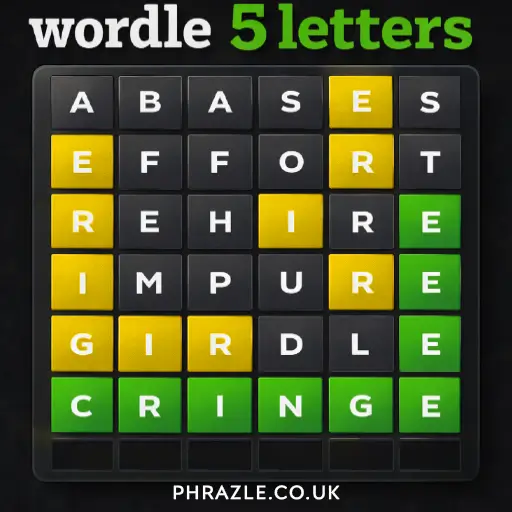
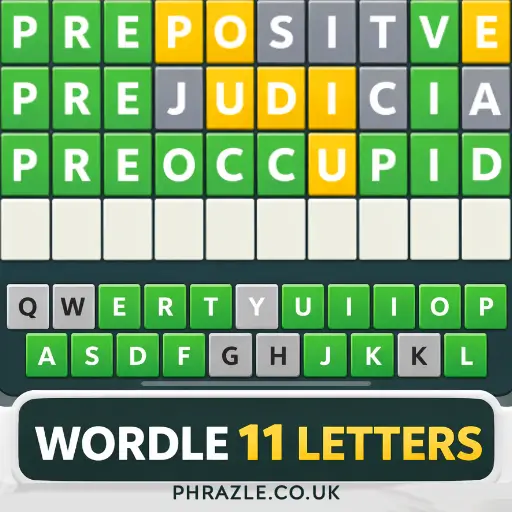
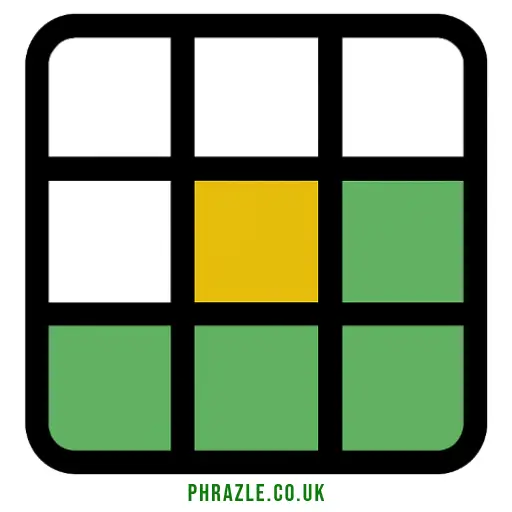
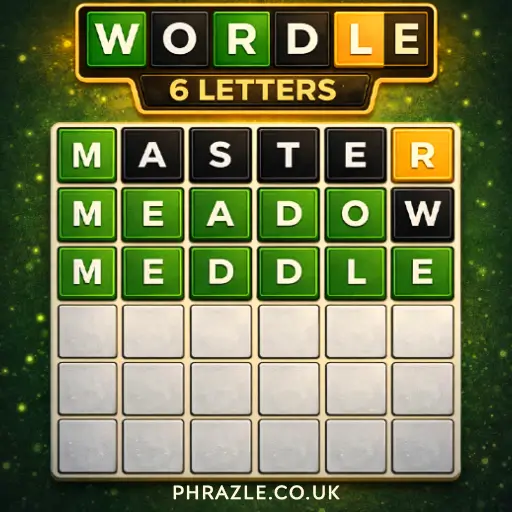
- Color-Coded Feedback: After each guess:
- Green means the letter is correct and in the right spot.
- Yellow means the letter is in the word but in the wrong spot.
- Gray means the letter isn’t in the word at all.
- Switching Words: If your phrase has multiple words, use the tab key or click on a box to switch between them.
- Game Modes: Choose from four different modes to match your skill level. Each mode offers unique challenges!
- Special Tiles: Use special tiles to boost your scores. They can help you create longer words for more points.
- Track Your Progress: Keep an eye on your stats, including total points, longest word, and average word length.
- Complete Challenges: Finish 16 challenges to earn your title as a Wordologist!
This game is free. Get ready to sharpen your vocabulary skills while having a blast!
Play Wordology Instantly in Browser
You can play this game directly in your web browser on desktop, laptop, tablet, or mobile.
How to Start Playing Wordology
Jump into the fun with these simple steps:
- Open the game and read the clue that pops up. This gives you a hint about the word or phrase you need to guess.
- Type your guess in the box. You have up to 6 tries to find the correct answer!
- After each guess, check the colors of the letters:
- Green: The letter is in the word and in the right spot.
- Yellow: The letter is in the word but not in the right spot.
- Gray: The letter is not in the word at all.
- If your phrase has multiple words, switch between them by pressing the tab key or clicking on a box.
- Keep guessing until you find the hidden word or run out of attempts!
Wordology Input Guide
Mastering the controls is essential for success. Here’s how to navigate the game:
- Guessing Words: Type your guess directly using the keyboard.
- Submit Guess: Press Enter to submit your word attempt.
- Switching Words: If the phrase has multiple words, use the Tab key or click on a box to switch between words.
- Attempts: You have up to 6 attempts to guess the correct word or phrase.
After each guess, letters will change colors to indicate their status:
- Green: Letter is correct and in the right position.
- Yellow: Letter is in the word but in the wrong position.
- Gray: Letter is not in the word at all.
Utilize these controls effectively to enhance your gameplay experience and improve your vocabulary skills.
Top 5 Secrets in Wordology
Unlock your potential with these top tips to dominate the game!
- Use the Introduction Clue: The pop-up gives a hint about the hidden word. Pay attention to it for a head start.
- Color Code Awareness: Remember the color meanings after each guess: Green means correct letter and place, Yellow means correct letter but wrong place, and Gray means it's not in the word at all.
- Switch Words Easily: If you're stuck on a multi-word phrase, use the tab key to switch between words without losing time.
- Choose Your Game Mode: Select a mode that matches your skill level. This helps you build confidence and improve your vocabulary.
- Special Tiles Strategy: Use special tiles wisely to boost your scores. They can make a big difference in your overall points!
What Makes Wordology Special?
Wordology offers a unique and engaging way to test your vocabulary skills. Here are the key features that make it stand out:
- Four different game modes to match your skill level.
- Special Tiles that boost your word scores.
- A massive dictionary with over 250,000 words.
- Retina-friendly graphics for a visually appealing experience.
- Game Center integration to track your stats and achievements.
- Monitor your point total, longest word, tiles used, and average word length.
- Complete 16 challenges to earn the title of Wordologist.
- Free to play with an option to upgrade for an ad-free experience.
- Suitable for all ages, making it fun for both kids and adults.
If You Love Wordology, Play This
If you're a fan of Wordology, you’ll enjoy these similar games:
FAQs about Wordology
Does Wordology work on mobile/phone?
Yes, it works perfectly on mobile devices. You can take your word challenges anywhere!
Do I need to download Wordology?
No, you don’t need to download anything. Just visit the website and start playing right away.
Can I play Wordology on Chromebook?
Yes, it runs smoothly on Chromebooks. Just open your browser and play the game.
How many game modes are available?
There are four different game modes to choose from. Each mode offers unique challenges for all skill levels.
Is there a way to track my progress?
Yes, you can keep track of your stats and scores. This helps you see how much you’ve improved over time!
Are there hints available if I get stuck?
Yes, there are free hints available. Use them whenever you need a little help with the puzzles!
Can I play with friends?
No, currently there’s no multiplayer option. You can challenge yourself or compete for high scores against others.
Is there a limit to the number of attempts in a game?
Yes, you have up to 6 attempts to guess each word. Make each guess count!
Are there any ads while playing?
Yes, the free version includes ads. If you want an ad-free experience, consider upgrading.
Can I earn rewards in Wordology?
Yes, you can complete challenges and earn your status as a Wordologist. It’s fun to see your achievements!
Final Verdict: Should You Play Wordology?
Absolutely! Wordology is a fantastic way for kids to enhance their vocabulary while having fun. The game challenges players to create the longest words possible, making it both educational and entertaining.
With multiple game modes and a huge word dictionary, there's always something new to explore. Kids can play solo or challenge their friends, making it a great social activity.
So why wait? Jump into Wordology today and start your journey to becoming a Wordologist! Share the fun with your friends and see who can score the highest!