![Phrazle | Play Online Free [No Download]](https://phrazle.co.uk/wp-content/uploads/2025/11/phrazle-title.webp "Phrazle | Play Online Free [No Download]")
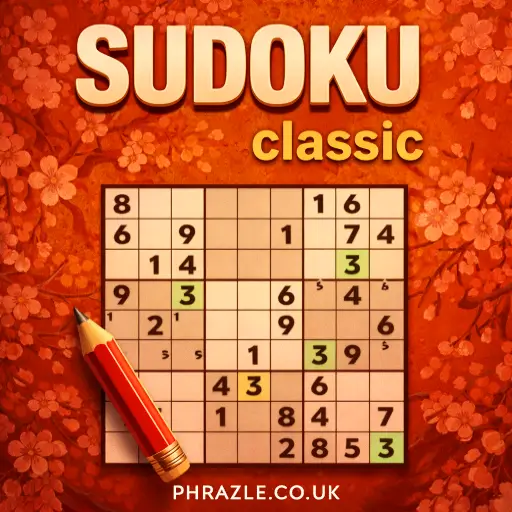
























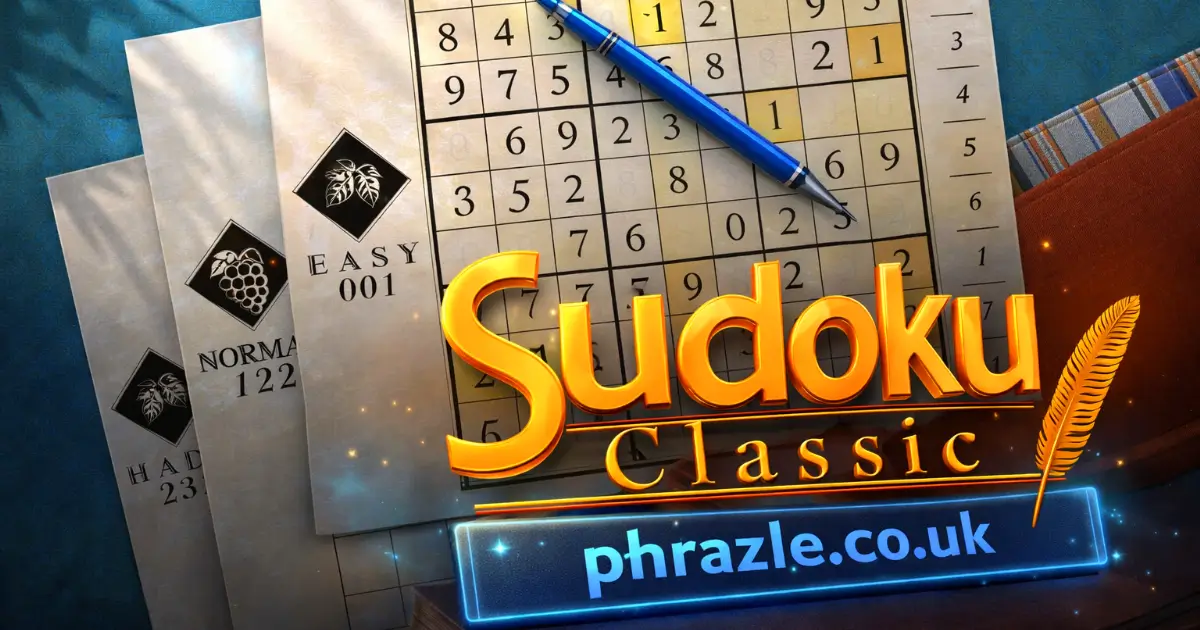
Play Sudoku Classic online for free. This exciting puzzle challenges you to fill a 9x9 grid so every row, column, and 3x3 box has all the numbers from 1 to 9. It's a great way to boost your brain power while having fun. Perfect for kids who love solving challenges and want to become Sudoku masters. Get ready to test your skills and have a blast with this timeless game!
Winning Strategies for Sudoku Classic
Mastering Sudoku requires focus and strategy. Here’s how you can win:
- Start with the Easy Numbers: Look for rows, columns, or 3x3 grids that already have most numbers filled in. Fill in the missing numbers by process of elimination.
- Use the Pencil Tool: In note-taking mode, jot down possible numbers for each empty cell. This helps visualize potential solutions without committing to a number.
- Scan for Single Possibilities: Check each row, column, and 3x3 grid for cells that can only have one possible number based on the other numbers present.
- Visualize in Sections: Break the grid into three vertical and horizontal sections. Focus on one section at a time to simplify the puzzle.
- Avoid Guessing: Use logic to deduce numbers. Guessing can lead to errors that are hard to backtrack.
- Highlighting Technique: Use features that highlight all instances of a number. This helps identify missing numbers in rows or columns.
- Practice Regularly: The more you play, the better you get at spotting patterns and solving puzzles quickly.
Remember, patience is key. Each puzzle has a unique solution, so take your time and enjoy the challenge!
Mobile & Tablet Support for Sudoku Classic
You can play this game directly in your web browser on desktop, laptop, tablet, or mobile.
How to Start Playing Sudoku Classic
Sudoku is a fun puzzle game where you fill a grid with numbers. Let's learn how to play!
- The game is played on a big square grid with 9 smaller squares inside. Each small square has 9 boxes.
- Your goal is to fill every box with a number from 1 to 9.
- Each row, column, and small square must have all the numbers from 1 to 9 without repeating any numbers.
- Some boxes will already have numbers when you start. Use these as clues to fill in the rest.
Remember, you can't repeat numbers in any row, column, or small square. Use logic and have fun solving the puzzle!
PC Controls for Sudoku Classic
Mastering the controls is key to efficiently solving puzzles. Here's how you can navigate and interact with the game:
- Select any empty square on the grid by clicking on it.
- Choose a number from the tiles displayed below the grid to fill the selected square.
- Click on any number already placed on the board to highlight all instances of that number, aiding in strategic placement.
- Use the pencil icon to enter note-taking mode, allowing you to place potential numbers without committing them. This helps test hypotheses before making a move.
- To remove a number, click on it and select the same number tile again from below the grid.
- Toggle settings like "Show Instructions" and "Allow Errors" for a tailored experience. Enabling "Allow Errors" lets you place numbers incorrectly without penalties, while disabling it adds a time penalty for mistakes.
These controls ensure a seamless and intuitive gameplay experience, helping both beginners and advanced players tackle puzzles effectively.
How to Hack Your Way to Victory in Sudoku Classic
Mastering this game can be fun and easy with the right strategies. Here are some top tips to help you win every time:
- Start with the Obvious: Scan the grid for rows, columns, or 3x3 sections with the most numbers already filled in. These are the easiest places to start filling in missing numbers.
- Use the Pencil Tool: If you're playing online, use the pencil mode to jot down possible numbers in empty cells. This helps you visualize potential solutions without committing.
- Look for Hidden Singles: Sometimes a number can only fit into one cell within a row, column, or box. Identify these spots by checking which numbers are missing and where they could logically go.
- Avoid Guessing: Every move should be based on logic. Guessing can lead to mistakes that are hard to backtrack, especially in complex puzzles.
- Spot Patterns: Learn common patterns like X-Wing and Swordfish. These advanced techniques can help eliminate possibilities and narrow down your choices.
- Practice Regularly: The more you play, the better you'll get at spotting patterns and solving grids quickly. Use free online games to practice without needing a download.
With these tips, you can enhance your skills and enjoy solving puzzles both at home and school. Remember, practice makes perfect!
Why Sudoku Classic is so Addictive
This number puzzle game keeps players hooked with its unique blend of simplicity and challenge. Here's why it's so captivating:
- Logical Challenge: Players must use logic to fill the grid, making it a brain workout.
- Variety of Difficulty Levels: From easy to expert, there's something for everyone, ensuring endless fun.
- Quick to Learn: The rules are simple, making it accessible even for beginners.
- Endless Puzzles: Each game is unique, providing infinite possibilities and replayability.
- No Math Required: It's all about logic, not calculations, making it approachable for all ages.
- Offline Play: Enjoy the game anywhere without needing an internet connection.
- Improves Focus and Memory: Regular play enhances concentration and cognitive skills.
- No Ads Experience: Play without interruptions for a seamless gaming session.
If You Love Sudoku Classic, Play This
If you enjoy Sudoku Classic, you'll love these similar games that offer unique twists and challenges. Each game provides a fresh take on the traditional puzzle format, and enthusiasts can test their skills further.
- Tribar - A challenging puzzle game that requires strategic thinking and careful planning.
- Sudoku Challenge - Offers a variety of difficulty levels to keep you engaged and improve your problem-solving skills.
- Sudoku Express This game provides fast-paced puzzles to solve on the go.
- Sudoku Blocks - Combines the classic Sudoku with block-based mechanics, adding a new layer of complexity.
FAQs about Sudoku Classic
Does it work on mobile/phone?
Yes, it works perfectly on mobile phones and tablets.
Do I need to download it?
No, you don't need to download anything. Play directly online.
Can I play on a Chromebook?
Yes, you can play on a Chromebook using any web browser.
How do you win the game?
You win by filling the grid so each row, column, and 3x3 section has numbers 1-9 without repeats.
Is it a math game?
No, it's a logic puzzle. No math skills are needed.
Can I play offline?
No, you need an internet connection to play online versions.
Are there different difficulty levels?
Yes, from easy to expert levels are available for all skill levels.
Is there a timer in the game?
Yes, some versions include a timer for added challenge.
Can I make notes in the game?
Yes, many versions let you make notes to help solve puzzles.
What happens if I make a mistake?
Mistakes are usually highlighted so you can correct them easily.
Start Playing Sudoku Classic Now
Sudoku Classic is a fantastic way for kids to have fun while boosting their logic skills. This free online game challenges players to fill a 9x9 grid with numbers, ensuring each row, column, and 3x3 section contains the digits 1 to 9 without repetition. It's a great brain exercise that doesn't require any math skills, just concentration and strategy.
Encourage your friends to join you in this exciting puzzle adventure. See who can solve the puzzles the fastest. Get started now and become a Sudoku master!